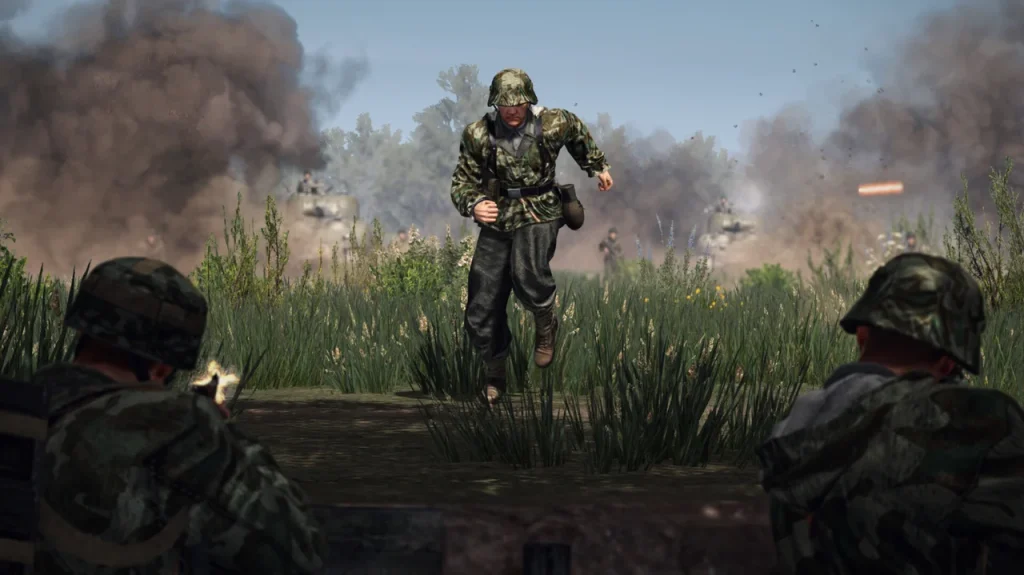
TL;DR: Gates of Hell Ostfront capturing enemy vehicles works best as a recovery task after the immediate threat is controlled. Inspect the abandoned or disabled equipment, establish usable ownership and crew through the current interaction, restore needed functions, and verify its condition. In Conquest, captured equipment belongs in your next army only when it is yours at battle end.
Choose the recovery goal before firing more shells. A vehicle destroyed beyond use cannot provide the capability you wanted to capture, while a repairable hull can still be too exposed to justify sending soldiers.

The official September 2022 Field Manual for Call to Arms – Gates of Hell: Ostfront confirms captured equipment persistence. The developer’s damage explanation helps distinguish crew and component effects. Neither source guarantees a capture after a fixed number of hits.
On this page
Gates of Hell Ostfront capturing enemy vehicles: choose the opportunity
Identify what the captured vehicle would add. It might provide a needed weapon, transport or another usable armored unit, but its condition and supply needs determine whether the opportunity is practical.
Inspect the battlefield around it before assigning a squad. An abandoned vehicle near held ground is a different task from a vehicle beyond several active enemy positions. The latter needs a separate route and protection plan.
The developer’s Development Update 97 explains that damage location can affect components and crew differently. That supports distinguishing disabling a vehicle from destroying it, but not a universal recipe for removing every crew member while preserving the hull.
Secure and inspect the target
Deal with threats that can fire on the recovery party. Keep another element watching nearby approaches while a selected soldier inspects the equipment. Do not send the whole infantry screen into the vehicle and leave the area unguarded.
Check whether enemy crew or other defenders remain a threat. Then inspect component condition, ammunition and fuel where available. A quiet vehicle is not automatically an uncontested, functional vehicle.
I and X are the documented inventory and examine defaults. Confirm the selected unit and intended object before transferring items or assigning soldiers. Read the actual vehicle information instead of inferring readiness from its external appearance.
The developer damage article distinguishes repairable damage from destroyed components. A hull that can be entered may still lack a function required for your plan. Ownership and practical usefulness should be evaluated separately.
Assign soldiers through current interactions
Select the soldiers you intend to commit and use the current vehicle entry or control interaction offered by the game. Check the target and resulting unit ownership rather than assuming proximity alone transfers the vehicle.
Choose the number of soldiers deliberately. You still need infantry outside the vehicle to protect the route and objective. A capture that consumes every nearby defender can leave the force worse organized than before.
Read crew and weapon status after entry. A vehicle can need a driver, gunner or other occupied role to perform the intended function. Do not equate one soldier entering with every seat and weapon becoming ready.
The manual says trained tank crews operate more efficiently than other soldiers and repair more quickly. That supports assigning suitable crew when available. It does not establish a universal numerical bonus or mean captured equipment cannot be operated by any other soldier.

Repair and test movement or weapon
Use the available repair action for damage that can be restored. Shift+R is the documented default. The developer explanation describes repair kits as finite, so inspect the repairer’s actual equipment and current action requirement.
Watch the repair finish and check the intended component. A completed task on one part does not certify the entire vehicle. Fuel, ammunition and crew remain separate readiness checks.
Test movement over a short secure route before planning a long return. If the vehicle still fails to move, inspect its crew, component condition and fuel rather than repeating repair automatically.
Test the relevant weapon separately. Direct Control defaults to E, with T switching available views; the weapon display shows what can be selected. Some vehicle weapons are unavailable for manual control, and changing ammo selection does not create missing ammunition.
Keep captured equipment at battle end
The Conquest rule is explicit in the manual: equipment captured from the enemy remains yours and carries to the next battle like your existing units. It must be yours when the previous battle ends.
Verify that state before the final objective or battle-ending event. Seeing a vehicle, disabling it and claiming it are different actions. Do not leave an intended recovery as an uncompleted order while assuming the campaign will save it for you.
Inspect the returning equipment in reserves. Its presence confirms one part of the result; readiness still requires ammunition, crew or casualties and relevant damage checks. Include unfamiliar supply needs in the army plan.
Place the vehicle into a call-in stage with a useful purpose. A newly captured unit does not need to lead the next attack merely because it was an exciting find.
Know when to stop the attempt
Compare the result with the force and attention it requires. If enemy fire still controls the vehicle, protect the objective and existing army before extending the recovery. A missed trophy can be less costly than losing the soldiers sent after it.
For a hypothetical defense, recover an abandoned vehicle close to the held point while another element covers the road. Delay a distant capture requiring the reserve needed for the next enemy approach.
Stop firing once the tactical capture opportunity exists and reassess. Continuing an automatic destructive engagement can remove the equipment you intended to retain. Conversely, prioritize stopping an active threat when preservation is no longer practical.
The published Company of Heroes 3 versus Gates of Hell comparison provides broader context. Before your next capture, define the useful role, protect the access route and verify the end-of-battle ownership.
FAQ
Does disabling a tank automatically capture it?
No automatic transfer is asserted here. Inspect the available interaction and resulting control or ownership.
Can every abandoned vehicle return to service?
Check components, crew and supplies. Destroyed parts or an unsafe location can make recovery impractical.
Will a captured vehicle carry into the next Conquest battle?
The manual says captured equipment owned at battle end carries forward. Verify the capture before the fight ends.
Sources and further reading
Keep exploring
Gates of Hell Ostfront vs Ultimate General Civil War: which army campaign?
Choose Ostfront for a researched WWII force and direct control; choose Ultimate General: Civil War for brigade command and a campaign shaped by surviving soldiers and officers.
Gates of Hell Ostfront vs Steel Division 2: Conquest or Army General?
Pick Ostfront for researching and developing a Conquest army with switchable unit control; pick Steel Division 2 for battalion-map planning and battlegroup decks.
Men of War Assault Squad 2 vs Gates of Hell Ostfront: missions or Conquest?
Men of War Assault Squad 2 vs Gates of Hell Ostfront: compare varied skirmish missions, direct-control views and Conquest army development.